

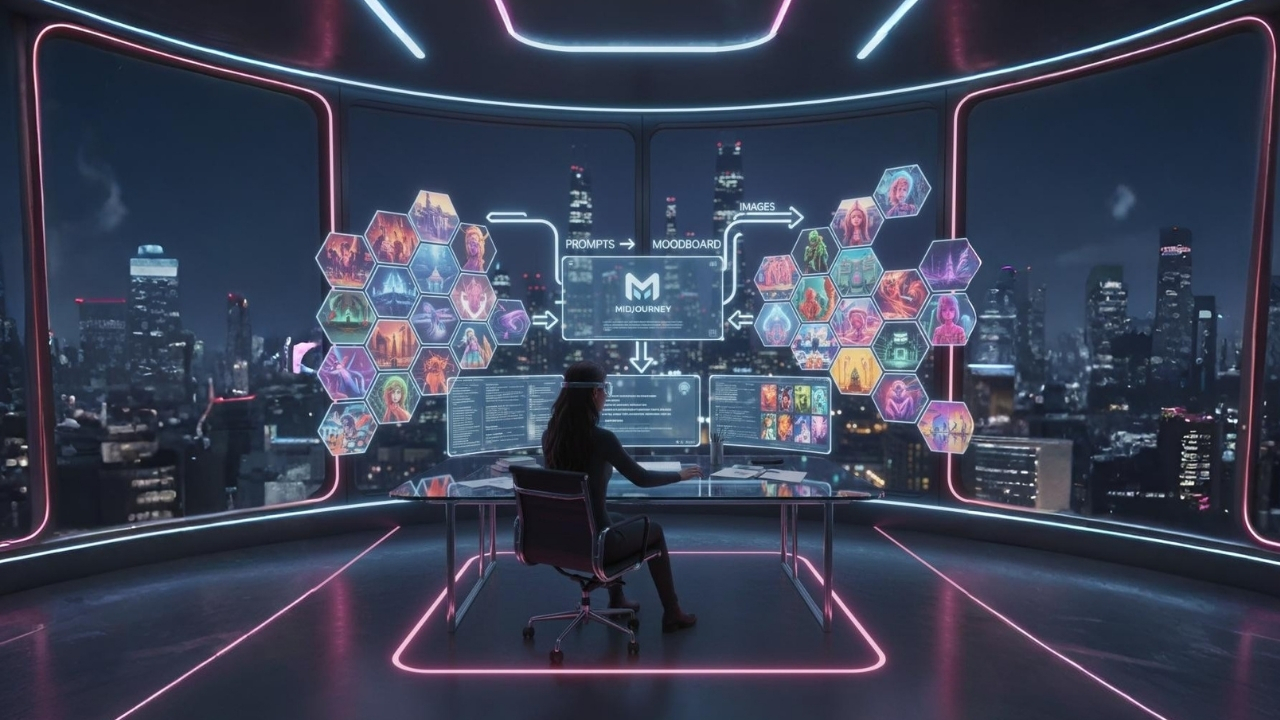
Creating a brand moodboard is an essential step in defining a brand’s visual identity. It helps designers, marketers, and stakeholders align on color palettes, visual styles, typography, and overall tone. Traditionally, moodboards require hours of manual research, image sourcing, and curation. But with the rise of AI-powered creative tools, this process can now be faster, more exploratory, and highly visual.
Midjourney, a generative AI tool, allows creative teams to generate high-quality images from text prompts, making it an ideal companion for building moodboards. In this guide, we’ll walk you through a step-by-step workflow for using Midjourney to create compelling brand moodboards, from crafting prompts to curating images to assembling the final board.
Step 1: Craft Prompts for Your Brand Moodboard
The first step in creating an AI-assisted moodboard is crafting precise and thoughtful prompts. A prompt is the instruction you give Midjourney to generate images, and the better the prompt, the closer the results will align with your brand vision.
1.1 Understand Your Brand Identity
Before generating any visuals, you must clarify the elements of your brand identity:
- Core values: What does your brand stand for? Innovation, reliability, luxury?
- Target audience: Who are you designing for? Professionals, Gen Z, tech enthusiasts?
- Tone and personality: Playful, minimalistic, bold, or elegant?
- Visual preferences: Do you prefer realistic photography, abstract graphics, illustrative styles, or mixed media?
Answering these questions creates a foundation for focused AI prompts.
1.2 Break Your Brand into Visual Elements
Next, convert these abstract ideas into visual components that Midjourney can understand. For example:
- Colors: “Muted earth tones with gold accents”
- Textures: “Soft gradients, rough textures, or metallic surfaces”
- Mood/Emotion: “Calm and professional” or “energetic and playful”
- Style References: “Minimalist Scandinavian design,” “Cyberpunk futuristic aesthetics”
These descriptors ensure that the AI outputs images that reflect your brand ethos.
1.3 Write Effective Prompts for Midjourney
When writing prompts, consider:
- Clarity: Use precise adjectives and nouns. For example:
“A luxury skincare product flat lay, minimal composition, soft natural lighting, pastel tones, high-resolution, editorial style”
- Style Keywords: Include artistic styles, photography types, or illustration methods. Examples: “digital illustration,” “cinematic lighting,” “vintage poster style.”
- Emotion/Atmosphere: Mention mood directly: “warm and inviting,” “futuristic and bold,” or “playful and vibrant.”
For a brand moodboard, it’s helpful to create 5–10 distinct prompts capturing different aspects of your visual identity. These prompts serve as exploratory experiments, allowing you to discover diverse visuals before final selection.
Step 2: Curate AI-Generated Images
Once you have your prompts, it’s time to generate and curate images. This step involves iterating with Midjourney, filtering outputs, and selecting the best visuals for your moodboard.
2.1 Generate Multiple Variations
Midjourney allows you to generate multiple variations for each prompt. For example:
- Input a single prompt and generate 4 initial images.
- Identify the most compelling visuals.
- Use Midjourney’s variation commands to create more refined versions of your favorites.
Generating multiple options ensures you capture the nuances of your brand’s aesthetic, rather than settling for a single interpretation.
2.2 Evaluate Images Against Brand Criteria
When reviewing AI-generated visuals, assess them using your brand identity framework:
- Color palette: Does it align with your brand colors?
- Mood and emotion: Does the image evoke the desired feeling?
- Style consistency: Is it aligned with your brand’s visual style?
- Originality: Is it fresh, unique, and memorable?
Select 3–5 images per prompt that meet your criteria. These will form the initial pool for your moodboard.
2.3 Refine and Iterate
If initial images aren’t hitting the mark, refine your prompts:
- Add more descriptive adjectives
- Specify a different style or medium
- Include references to famous design works or aesthetics
Repeat the generation and evaluation cycle until you have a curated collection of images that truly reflect your brand’s identity.
Step 3: Create the Final Moodboard
With your curated images ready, it’s time to assemble the final moodboard. This step ensures that all visuals work harmoniously together and clearly communicate your brand’s aesthetic.
3.1 Choose a Moodboard Platform
Several tools can help you assemble, arrange, and present images:
- Canva: Drag-and-drop simplicity with prebuilt moodboard templates
- Adobe Illustrator/Photoshop: Greater control over layout, layers, and style
- Figma: Ideal for teams and collaborative moodboard editing
- Milanote: Excellent for storytelling and visual ideation
Choose a platform based on your team’s workflow, collaboration needs, and presentation goals.
3.2 Organize Images by Category
A strong moodboard communicates structure and hierarchy. Organize images according to:
- Color palette: Group visuals with complementary hues
- Texture or pattern: Highlight materials, surfaces, and finishes
- Emotion or tone: Separate calm and energetic visuals
- Style variations: Compare minimalist vs. maximalist or realistic vs. illustrative
This organization helps stakeholders quickly understand the brand’s visual language.
3.3 Add Context and Annotations
Include annotations to explain why each visual was chosen:
- Notes on color significance: “Muted beige conveys trust and warmth”
- Style rationale: “Hand-drawn illustrations emphasize creativity”
- Mood commentary: “Soft lighting evokes calm and reliability”
Annotations make the moodboard more actionable for designers and marketing teams, ensuring the intent behind each choice is clear.
3.4 Review and Finalize
Before finalizing the moodboard:
- Conduct a team review to gather feedback and ensure alignment.
- Check for consistency in tone, style, and color across all visuals.
- Make small adjustments for layout and spacing to create a polished and professional presentation.
Once finalized, the moodboard becomes a central reference for all brand visual decisions, guiding design, marketing, and content creation.
Step 4: Tips for Maximizing Midjourney Moodboards
- Use Reference Images: Midjourney allows inputting reference images to guide AI style. Combine these with your prompts for highly specific results.
- Iterate Generously: Don’t settle on the first outputs. AI-generated visuals can surprise you with unexpected yet fitting interpretations.
- Keep Prompts Consistent: To maintain cohesion across images, retain certain key descriptors like color or mood across prompts.
- Mix AI and Human Curation: AI provides variety, but human judgment ensures the images align with your brand vision.
- Document Your Choices: Save prompts, versions, and final images. This library helps when creating future campaigns or expanding the brand identity.
Step 5: Benefits of AI-Assisted Moodboards
Using Midjourney to create moodboards offers several advantages over traditional methods:
- Speed: Generate dozens of potential visuals in minutes instead of hours of manual research.
- Exploration: Discover creative directions you may not have considered.
- Consistency: Ensure a cohesive visual identity across campaigns by controlling style and tone via prompts.
- Collaboration: Teams can review AI outputs together and iterate in real time.
- Flexibility: Easily update or create variations for different campaigns, seasons, or platforms.
AI-assisted moodboards don’t replace designers—they augment creativity, providing a foundation upon which design teams can build.
Step 6: Example Workflow in Action
Let’s imagine you’re building a brand moodboard for a sustainable fashion startup:
- Craft Prompts:
- “Eco-friendly clothing flat lay, natural textures, earthy colors, soft lighting”
- “Sustainable fashion lifestyle shot, young adults outdoors, minimalistic style, warm tones”
- Curate Images:
- Generate multiple variations for each prompt in Midjourney
- Select the top 3–5 images per prompt that best align with the brand’s ethos
- Create Moodboard:
- Use Canva to assemble visuals by category: Color palette, Texture, Lifestyle, Typography
- Annotate each image with notes on purpose and relevance
- Review with the team, make adjustments, and finalize
This process produces a visually cohesive, brand-aligned moodboard in a fraction of the time traditional methods would take.
Conclusion
Building a brand moodboard with Midjourney is a powerful way to align your team on visual identity quickly and creatively. By following this workflow:
- Craft Prompts: Define your brand identity and translate it into clear, descriptive prompts.
- Curate Images: Generate, evaluate, and refine AI-generated visuals to match your brand ethos.
- Create Final Moodboard: Assemble, annotate, and review visuals to create a cohesive reference for design and marketing teams.
This approach saves time, sparks creativity, and produces consistent, visually compelling results. Whether you’re launching a new brand or refreshing an existing one, Midjourney enables you to explore, iterate, and finalize your brand’s visual language efficiently.
By combining AI capabilities with human judgment, your brand can communicate its identity visually in a way that resonates with audiences and supports strategic goals.
About the Author


